A light photo editor with pro tools, all free
One-tap Enhance, 12 adjustments, curves, tilt-shift blur, crop and straighten, brushes and text. Works offline, no sign-up, no watermark.
Get it on Google PlayScreenshots
What it does
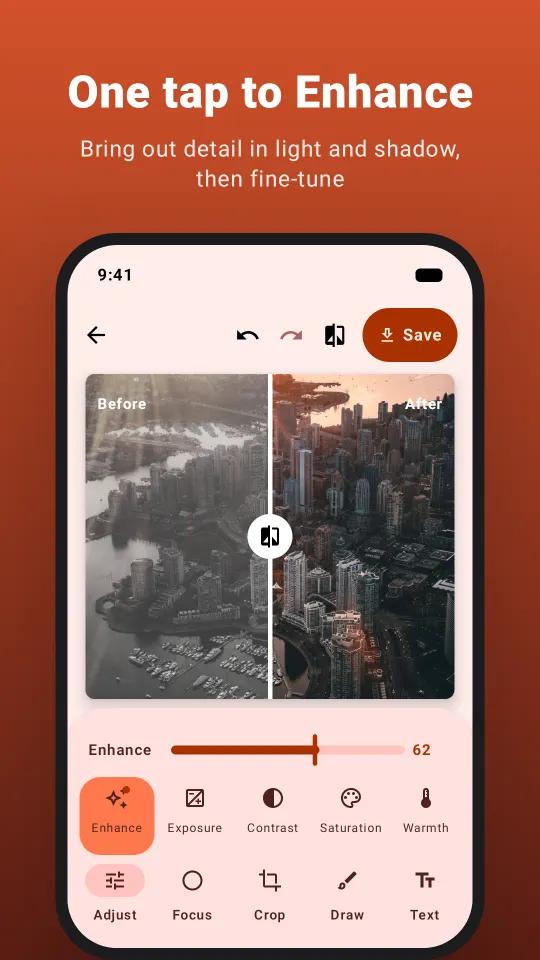
One tap to Enhance
Smart auto-correction brings out detail in light and shadow, then fine-tune.
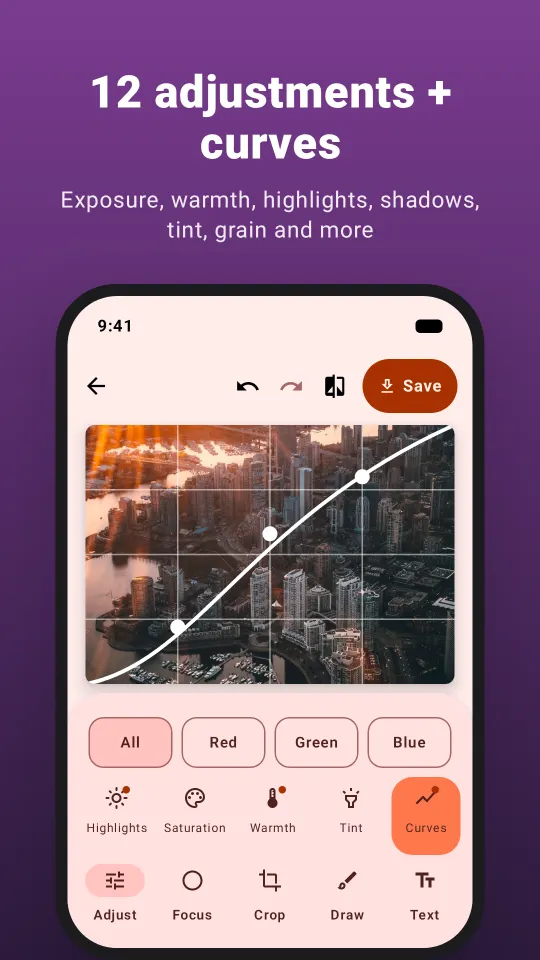
12 adjustments and curves
Exposure, warmth, highlights, shadows, grain and more, plus RGB curves and tint.
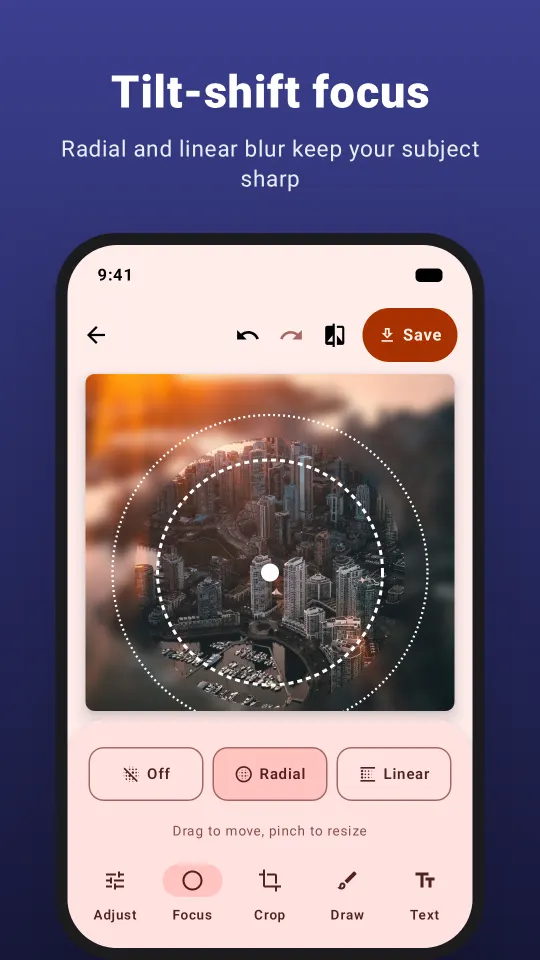
Tilt-shift focus
Radial and linear blur keep your subject sharp and soften the background.
Crop, draw, write
Any ratio, rotation ruler, neon brushes, text, shapes and photo stickers.
How it works
- Open a photo from your gallery or take a new one.
- Tap Enhance, then fine-tune with filters, curves, blur and crop.
- Save in full resolution as JPG or PNG.
Questions
Are all tools free?
Yes. No subscription and no locked tools. The app is supported by ads.
Does the editor add a watermark?
No. Photos are saved in full resolution without any watermark.
Does it work offline?
Yes. Editing runs on your phone, and location data is removed from saved photos.
How do I blur the background of a photo?
Open Focus, pick radial or linear blur and drag the sharp area over your subject.
 Sticker Maker: Photo & Video
 Background Remover & Eraser